
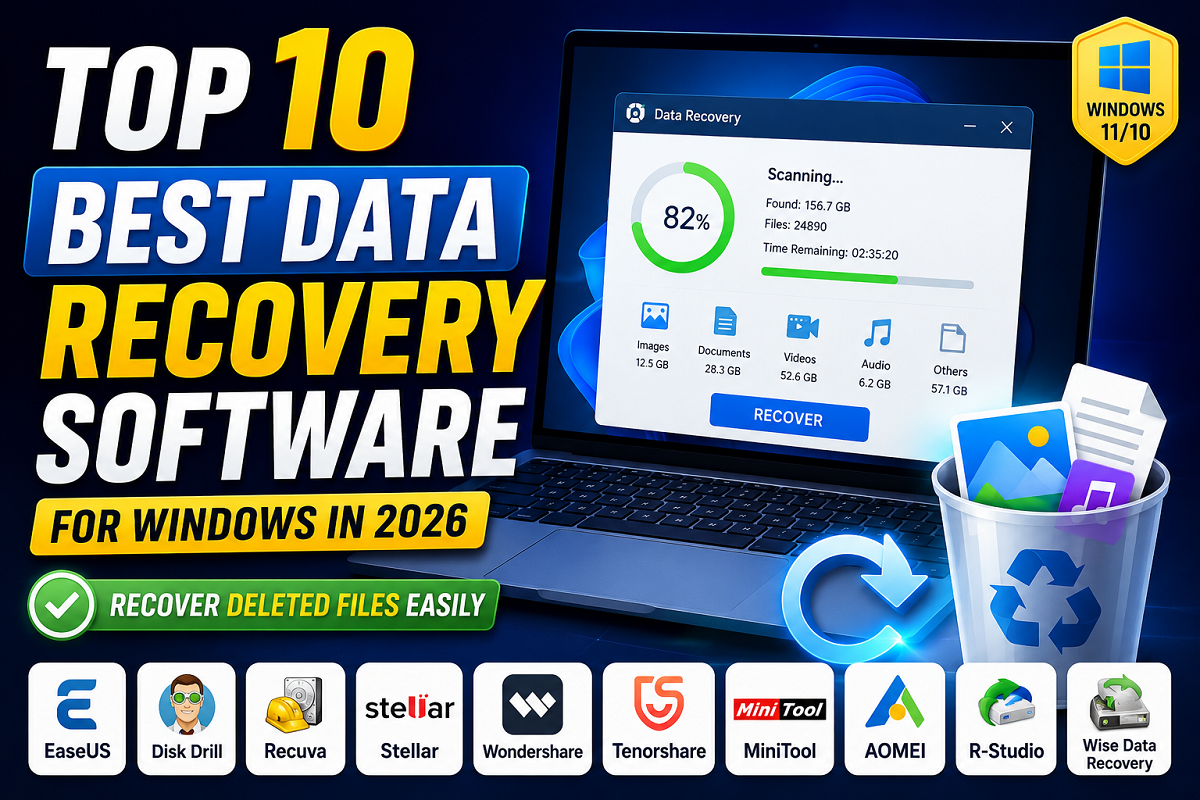
Here is the list of the 10 Best Data Recovery Software for Windows in 2026. With these most-trusted data recovery solutions, you can easily get your lost deleted photos, videos, documents, and all other types of lost files back from HDD, SSD, USB Drive, SD Card and so on.
Data Loss – one of the most irritating and disturbing issue computer user encounter every day. From photos and videos, important documents and work related files, personal data – they can disappear instantly in case of accidental deletion, formatting the disk, system failure, corruption, malware infections or broken storage media.
Luckily for all users, data recovery software is readily available today and can be use to restore disappeared file quickly and safely. There are thousands of such tools at the market, some designed for file retrieval in case of accidental loss and some for hard recovery, recovery of lost disk partitions or work with broken disks.
We are reviewing the Top 10 Best Data Recovery Software for Windows 2026. What is Data Recovery Software for Windows Useful? Data Recovery Software - What It Is Data recovery software is designed to retrieve and restore files that have been lost, deleted, corrupted, or otherwise made unavailable from storage media such as hard drives, SSDs, USB drives, and memory cards.
The process generally works by targeting parts of the storage medium that were once occupied by the lost data. When a file is deleted, the information associated with it is generally not completely eradicated from the drive, but is marked by the operating system as available space. Recovery software attempts to read these areas of the disk before new data is written to overwrite them.
Files typically recoverable by software: Photos and images Videos Documents Office files Audio files Emails Archives Deleted folders Summary Ultimately, the “best” software is going to depend on you. Power-users that have deep technical needs are going to want to dive into the deeper features of things like Wondershare Recoverit, Stellar Data Recovery, and R-Studio. Alternatively, everyday users looking for a simple and efficient answer, would likely be happy with a choice from the more commonly available, more straightforward recovery options, such as the tools from EaseUS, MiniTool and Recuva.