
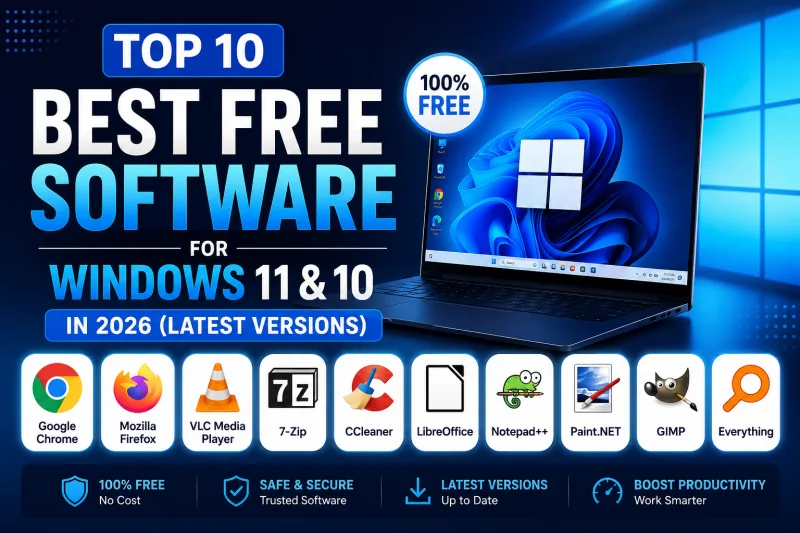
# Top 10 Best Free Software for Windows 11 & 10 in 2026 (Latest Versions)
Every single Windows computer requires awesome software to make that PC that bit more efficient, more entertaining, more safe, and in a nutshell, just a better PC to use! Luckily, with thousands of applications out there it’s easy to do so! We've assembled the best free programs available on the internet today into a list for easy use so you don’t waste time researching what to install.
This list is created with popular apps and their use cases, performance, and the general demand of users to help find programs for your everyday tasks! Whether you are on Windows 10 or Windows 11, you’ll want at least one program from this list to boost productivity.
1. VLC Media Player
Probably the most common multimedia software ever created by humankind, the VLC Media Player continues its reign as the ultimate FREE multimedia application for Windows. No installation needed, and you can play just about any file format in this program – you’ll even get to save on buying pricey codec packs! It’s your go-to player for videos, music and even online streaming from a variety of services.
2. Google Chrome
Fast, sleek, secure – and FREE! You really can’t do much on a computer without Google’s browser at your service. It is simple to use, can run any web page without hiccups and can support countless extensions, allowing for a fully customizable experience. If you do not have an internet browser installed on your machine for any reason, this is the one that should be!
3. 7-Zip
File compression has never been easier, or more efficient, than with 7-Zip. It offers better compression than most of its rivals and is a powerful tool that’s absolutely free to use for personal and commercial applications. Need to create or extract archives like .
ZIP, .
RAR, .
TAR?
7-Zip has got you covered!
4. LibreOffice
If Microsoft Office’s prices have you feeling down, try LibreOffice! This office suite offers you the ability to write documents, manage spreadsheets, create presentations, draw diagrams and more – and you don’t pay a single dime for any of it. Compatible with Microsoft’s file formats, this app should be a staple on your system.
5. Malwarebytes
In today’s connected world, protection against malware is absolutely essential, and Malwarebytes provides top-notch, free protection against viruses, worms, Trojans, spyware and more. While it does have a paid version with even more features, the free download offers solid malware scanning and cleanup. A perfect complement to your antivirus!
6. OBS Studio
Whether you want to begin your journey into broadcasting on Twitch, or even if you just want to capture your screen and create a tutorial with it, OBS Studio is completely free to use and is a great open source alternative for capturing and streaming directly from your screen using sources, video filters, and scene transitions. It’s used by gamers all over!
7. Rufus
Possibly the smallest program you’ll ever come across, but with the biggest of effects. Rufus can format your flash drives in double quick time and help you make them bootable too. Need to build a Windows 10 or 11 installation media, or want to take a portable Linux OS bootable drive for yourself then Rufus is your tool!
8. Notepad++
Forget about the standard Notepad app that’s built into Windows; Notepad++ is for users who require advanced features. It’s a free text editor that supports more than 50 programming languages and offers features like syntax highlighting, auto-completion and much more. A go-to app for programmers, web developers and anyone that works with code.
9. Canva
Let’s face it, sometimes you need to create a quick graphic or a design without being a professional graphic artist. That’s where Canva comes in. Thanks to an intuitive user interface and a large repository of graphic designs and images (and free!) you can create anything from social posts to presentations!
10. Claude AI
Chatbot & productivity booster. Chatbot Claude AI by Anthropic is one of the leading software innovations that offer a fantastic functionality to the users as this AI helps to write and code anything, research better, generate ideas, brainstorm, and do much more. Natural language understanding is also another feature that distinguishes this app with an exhaustive base of knowledge. One of the many free software innovations that you can use in the modern world.
Why free software?
Buying commercial software may seem easier than getting involved in free software but there are so many advantages and benefits for using it. Free software does not cost anything in regards to license costs so you are able to benefit from using and learning industrial standard software applications. Most people around the world use free software on a daily basis as it is often stable, have the features they desire and is constantly being improved by communities worldwide.
In conclusion, it does depend on the specific uses but the applications below are great for any user of Windows 11 or Windows 10. These programs offer you the best software you can possibly get on Windows for productivity, system security, entertainment, or if you just want to let your imagination with the help of A.I free and be creative. Make sure when downloading always download from trusted sources and update your applications constantly for the best experience.